
Journal #6
Today was a success! Carol attended today's tutoring session and was in a very happy mood. She had to continue to work on her PSA and had to work more on the design aspect of it. I decided to give her a simple tutorial about how to use the art features in Word. First, I showed her how to use the word art feature. Her face lit up when she realized how you are able to make a simple text look more appealing to the eye. It was a perfect, eye-catching addition to her PSA to have the name of the disorder in big and blue bubble letters.
Next, I showed her how to insert pictures into her PSA. This was very beneficial for her because she was never sure how to use it. She was very excited to learn how to use the clip art feature of Word because it is the best way to efficiently get a picture onto a Word document. Overall, her progress is outstanding with Word and she is able to navigate it much better than before.
I tagged this under Learners Growth and Development because I have seen a major improvement Carol's technology skills. She is able to use more features in Word than she ever has the capacity to do before. I want to continue to help her in this area by showing her the ins and outs of more applications like PowerPoint and even NearPod.
I tagged this under Learners Growth and Development because I have seen a major improvement Carol's technology skills. She is able to use more features in Word than she ever has the capacity to do before. I want to continue to help her in this area by showing her the ins and outs of more applications like PowerPoint and even NearPod.
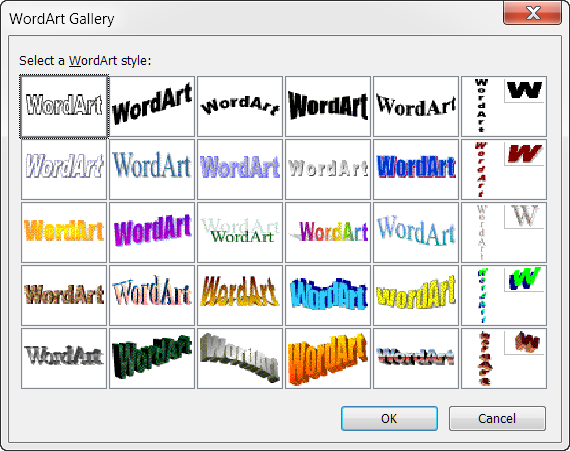


This is awesome! It's amazing how Word Art is something that people do not think of when going through a gratitude list, but for someone like Carol it is a wonderful discovery! This is hopefully going to make school projects more interesting for her and give her more enthusiasm!
ReplyDelete